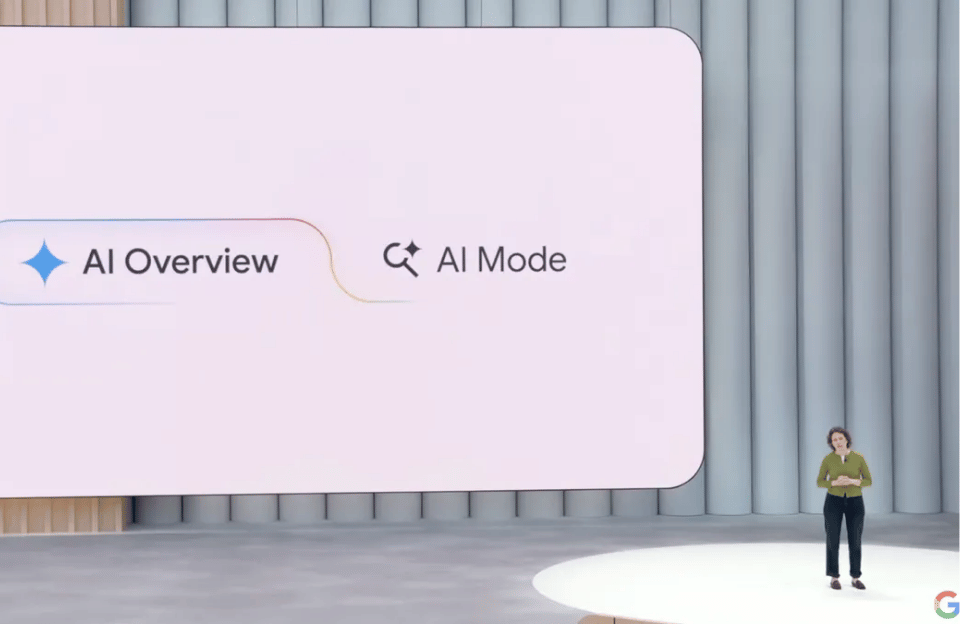
Google\’s AI Overviews are now a permanent fixture for millions of U.S. users, whether you\’re a fan or not. These AI-generated summaries, powered by the Gemini model, sit prominently at the top of your search results, aiming to answer questions instantly. While convenient, they have sparked controversy for their occasional inaccuracies—famously suggesting bizarre actions like putting glue on pizza.
Many users long for the simplicity of the classic Google search: a clean page of relevant links. The bad news? There is no official \”off switch\” for AI Overviews in your settings. Google has integrated the feature deeply, and even disabling it within \”Search Labs\” does not remove it from your main search results.
The Good News: A Reliable Workaround Exists
If you want to ditch the AI summary and get back to traditional web results, here\’s a simple, effective method:
-
Use the \”Web\” Tab: After performing a search, look at the top of the results page. Alongside tabs like \”All,\” \”News,\” and \”Images,\” you should find a \”Web\” tab.
-
Click It: Selecting this tab filters your results to show primarily text-based links from websites, much like the old Google experience. While an AI Overview may still appear at the very top, the \”Web\” view minimizes its prominence and prioritizes the link-based results you\’re seeking.
-
Pro-Tip for Desktop Users: You can set your browser to default to the \”Web\” tab for all Google searches using browser extensions or by manually appending a parameter to your search URL. This creates a near-seamless classic search experience.
Why Does This Work?
The \”Web\” tab is designed to filter out various enhanced results (like videos, shopping, and heavy AI integrations) to focus on canonical web pages. It\’s Google\’s own built-in tool for a purer link-based search, making it the perfect unofficial bypass for AI Overviews.
Other Partial Solutions:
-
Try a Different Browser: Some users report not seeing AI Overviews when searching via Safari or Firefox on desktop. However, this is not a guaranteed or universal fix, especially on mobile.
-
Use \”Verbatim\” Search Mode: In Google\’s \”Tools\” menu under the search bar, selecting \”Verbatim\” forces Google to search for your exact terms, which can sometimes yield a less AI-driven results page.
The Bottom Line:
Google is betting big on AI as the future of search. While you can\’t disable AI Overviews outright, the \”Web\” tab is your easiest and most consistent escape hatch to the simpler, link-centric Google of the past. As AI continues to reshape our digital tools, knowing these small workarounds helps you take back control of how you find information online.